How to download movies from TeraBox in 2026? (Completed Guide)
TeraBox Cloud Storage is a popular cloud space app that shares large movie files for users to find out their favorite content within minutes. Though, your favorite content is there and you can get it at any time but you can’t forget the presence of excessive ads, face slower download speeds, and app glitches.
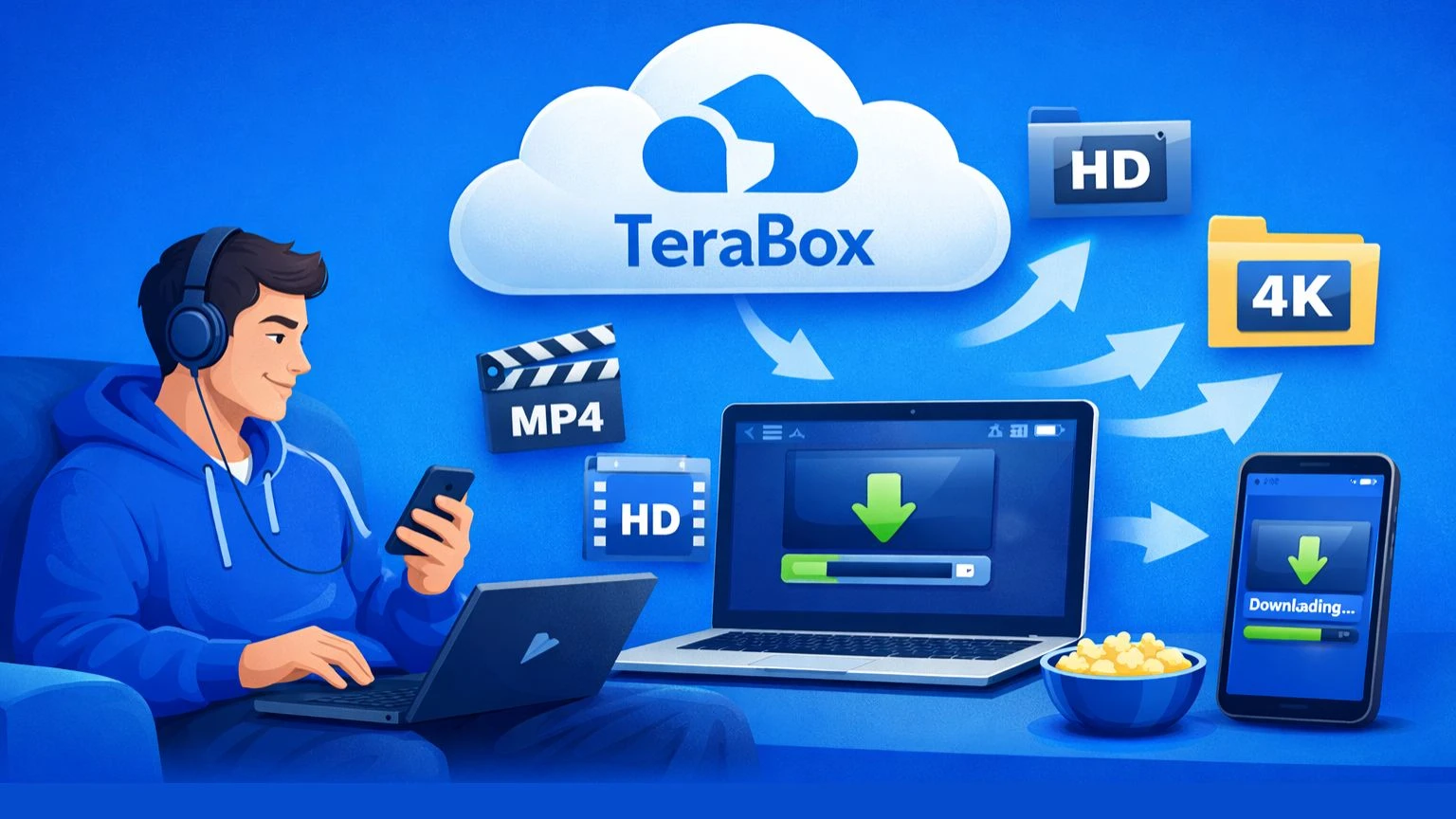
To enjoy TeraBox movies without any ads and app glitches, this guide will help you to download movies from TeraBox. Once the moves are downloaded, you can fastly access your content and save HD movies without forced streaming.
Manual Guide to download Movies from TeraBox
Here is a complete step-by-step to download movies from TeraBox. Follow each step carefully to get your favorite content right on your device.
Now every time you watch the desired content on your device will remove TeraBox ads and prevent any app glitches.
Recurring Issues while Downloading Movies from TeraBox
TeraBox users frequently encounter download issues due to its free-tier limitations, app glitches, and network constraints.
Common Download Failures
As you switch to downloading movies from TeraBox, downloads often fail entirely, requiring a few actions to get started again. For instance, you need the below actions to do before tapping on the download button:
Besides, download failure also comes due to insufficient storage space, denied App permissions block progress and outdated app versions exacerbating bugs.
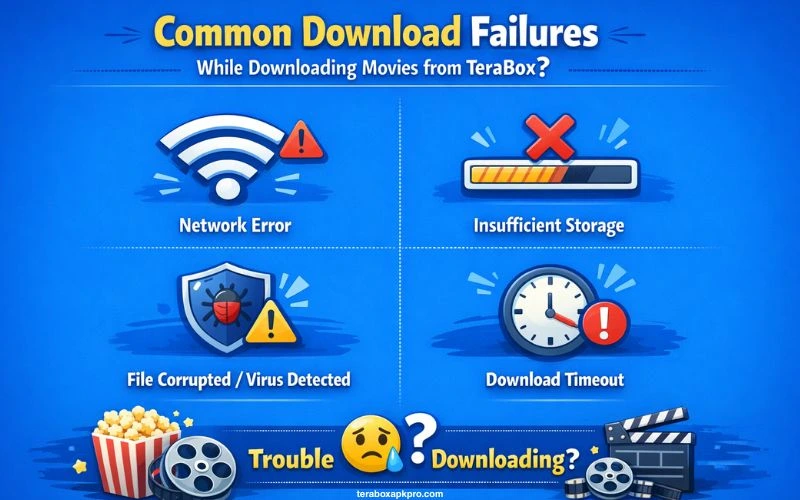
To fix these issues, you should do network checks like switching off the airplane mode if toggled and switching to WiFi.
Pausing and Interruptions
Due to unstable connections or background app interference, users often face download pauses from TeraBox. To resume, the app requires clearing cache, updating the app, or force-stopping via the app settings. Keep in mind that the large movie files will not resume as they will restart from zero in some tools.
Speed and Performance
While downloading movies from TeraBox, speeds throttle to 2 MB/s max for free users, even on stable networks. This causes a lot of frustration causing large movie grabs.
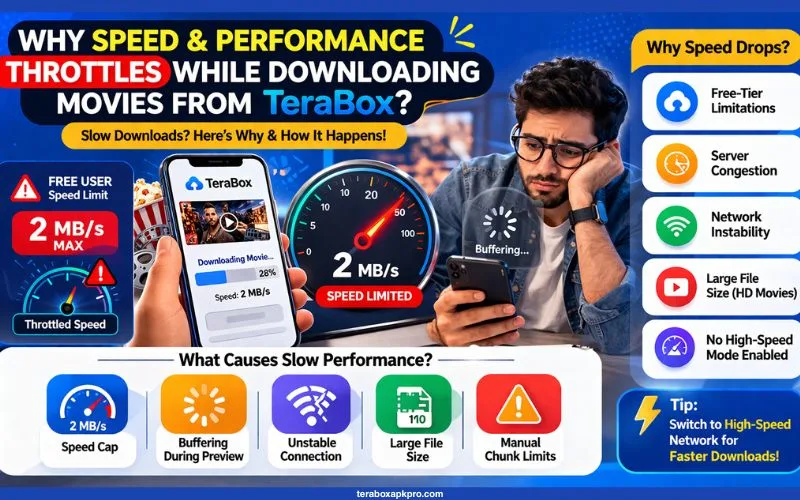
Buffering during previews or downloads ties into this, fixed by high-speed network mode tweaks. Besides, users often report connection limits needing manual chunks/download caps.
Prerequisites to download TeraBox Movies
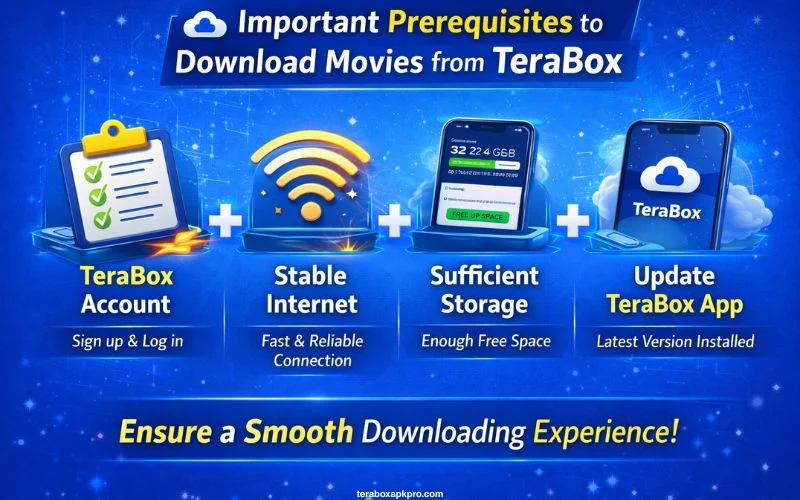
To download movies from TeraBox, the major prerequisites require basic device setup, a stable internet connection, and access to shared links.
Device & Software Needs
The basic device setup needs a modern smartphone (Android 7.0+ or iOS 12+), PC (Windows 10+, macOS 10.15+, or Linux), or browser like Chrome/Firefox updated to the latest version.
The official TeraBox app works best as no high-end specs needed beyond 2GB RAM, and integrated keyboard/mouse for PC.
Account & Link Requirements
To download movies directly from TeraBox, you need a free or premium account that unlocks full features. Try to obtain a valid TeraBox file sharing link typically from forums that point to movies files or folders. Free tier limits include 4GB max per file upload (downloads unaffected) and 500-file cap, but movies typically fit.
Network & Storage
For Network and storage, you need a stable WIFI (at least 5 Mbps download speed) to prevent issues; mobile data works but throttles faster.
To download HD movies, make sure 5-50 GB free device storage, plus permissions for storage access granted to the browser/app. Check out the ways to change audio in Terabox!
Reasons to download Movies from TeraBox
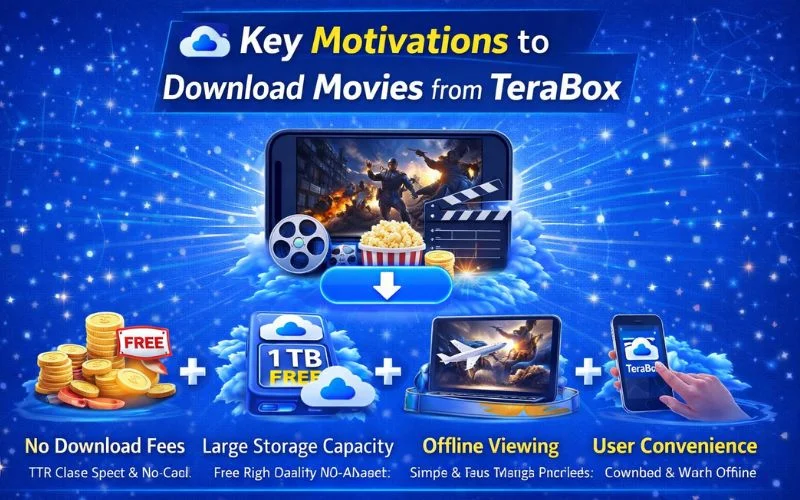
The primary concerns that lead people to download movies from TeraBox include streaming restrictions and gaining offline access to large shared files.
Bypassing Free-Tier Limits
Users are prompted to download for unlimited, faster access via tools since TeraBox restricts free download rates to about 2–5 MB/s and requires logins or advertisements. By doing this, streaming issues like buffering and forced app usage are avoided.

Offline & Convenience Gains
One of the major benefits included viewing HD movies without internet, and makes it ideal for travel or data limits unlike TeraBox’s online-only playback. With huge files, third-party downloaders save time by offering ad-free, account-free direct connections.
Key Motivations to download movies from TeraBox
Here are some key motivations for TeraBox users to download movies from their account.
FAQs | People Also Ask
Conclusion
Movies relax your mind from the daily routine and let you think out of the pot to maintain your work-life balance. Though you can enjoy movies without app glitches on TeraBox MOD APK, however, the above guide also covers a manual guide to download movies from official TeraBox. Don’t forget to read the prerequisites before downloading the movies to avoid any download restrictions.