TeraBox vs Google Drive | Choose the Right Choice (Free) 2026
In 2026, the exploding video content, photos, and workflow, who’s ready among us to delete the old data? Of course, I’ll not be among them, because of the massive struggle I made over making content and interactive workflow.
And, the same I expect from my audience, that is why choosing between TeraBox vs Google Drive can help us make the best possible decision. TeraBox offers massive 1TB cloud storage for free with robust features, whereas Google Drive provides 15GB free space with real-time collaboration tools.
Both of them serve different audiences, and you have to decide which audience you fall into to make the right choice. Let us have a look at the in-depth comparison of both services to get the perfect space for us.
TeraBox vs Google Drive | An Overview
TeraBox is a cloud storage app that offers a storage space of 1TB for platforms like Android, iOS, PC, and Mac to maintain their local device’s storage. Its advanced file management supports uploading, organising, viewing, and sharing files of any format.
Along with a media player, automatic backup, and AI-powered tools, TeraBox offers advanced security features. These security features protect sensitive files with unique passwords, two-factor authentication, time-limited links for sharing, and a personal vault.
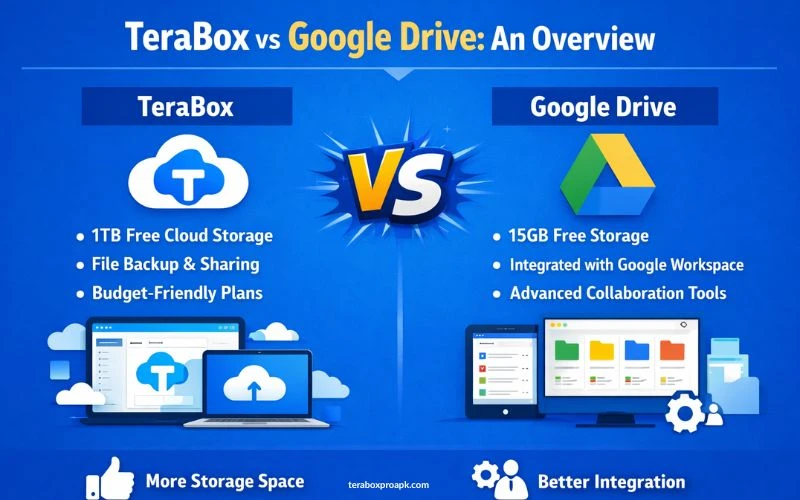
On the contrary, Google’s powerhouse service offers individuals with Google Drive. It is a no-cost cloud companion with seamless sharing and saving. Here, users can integrate with Docs, Sheets, and Slides for real-time collaboration with its advanced tools.
Beyond integration, Google also provides automatic syncing of local files with the cloud, advanced security features, and file-sharing tools.
Robust Features Comparison for TeraBox vs Google Drive
Before you make the decision based on your requirements, premium plans, and other factors, key features play a crucial role. These key features make it easy for users to understand which should be their prior choice between TeraBox and Google Drive.
Ultimate Storage Capacity
TeraBox offers 1TB (1024 GB) free storage capacity that works equally with videos, photos, and large files. You can get any plan to enhance the storage space based on your budget and pricing.
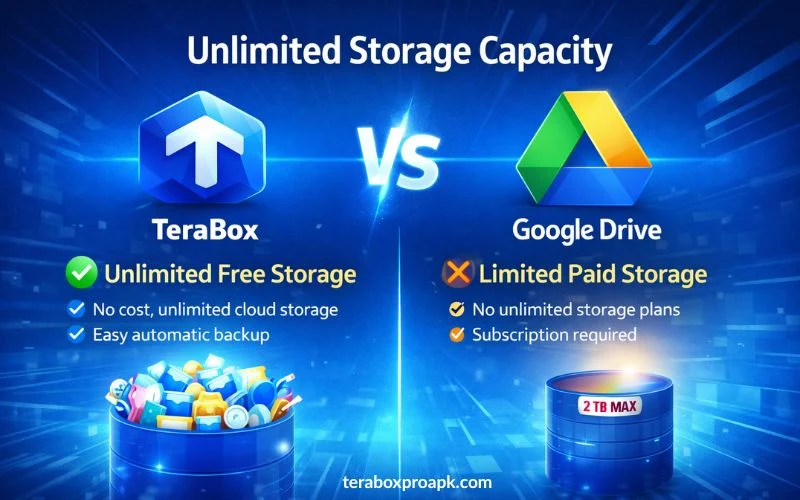
On the other hand, Google Drive acts as the ultimate team player, blending perfect tool integrations for live edits with 15GB free tier. It means you will only get a free storage capacity of 15GB; to enhance it, you have to purchase any plan.
Advanced Sharing and Collaboration Tools
TeraBox contains advanced sharing tools that you can use to share links or files. The link sharing allows users to create passwords on the files, fix dates to open any file, and apply download limits.
It not only maintains the privacy of your data but also makes the app reliable using its sharing tools. However, TeraBox lacks the advanced collaboration tools that Google Drive contains.
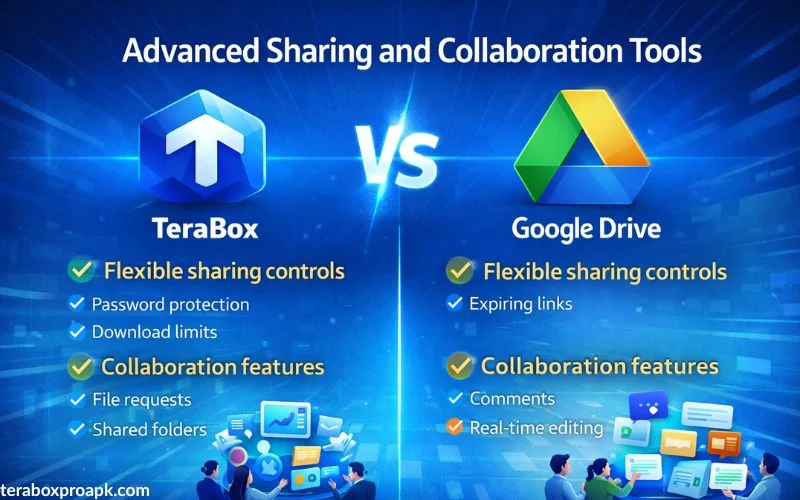
On the other hand, Google Drive gives file-sharing options with granular permissions to view, edit, or comment on any file. This enables users to utilise the built-in collaboration tools that enhance teamwork and enable multiple users to work on the same project.
Security and Advanced Backup
When talking about TeraBox’s security, I am clearly mentioning here that it offers basic encryption for files and in transit. Besides, it has a personal vault with a password that protects sensitive files, login PIN options, and secure file sharing.
On the contrary, Google Drive uses industry-standard 256-bit encryption, two-factor authentication, and GDPR compliance. You will get file versioning to prevent overwriting and malware scanning.
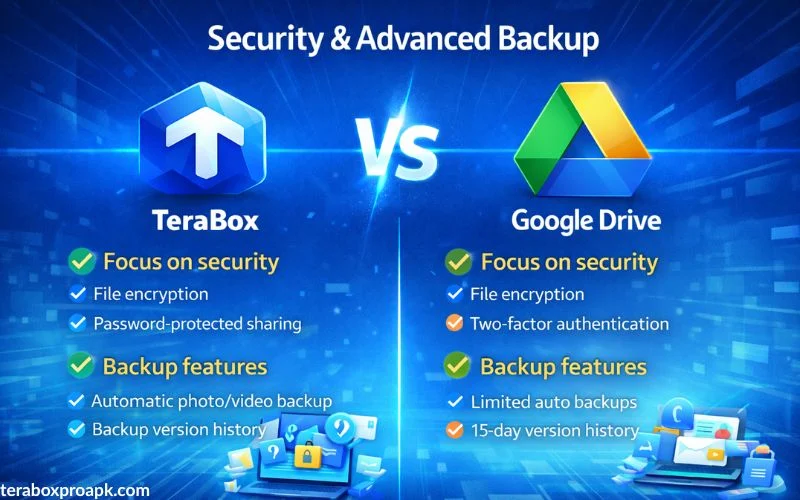
TeraBox includes auto backup with remote upload capabilities that save bandwidth. It means you can directly fetch files from links to its servers without transferring data through your personal internet to your device.
Google Drive also supports full backups, especially on Android smartphones, real-time syncing for folders, and computer backups via desktop.
Note: If you experience a lot of ads while using TeraBox, here is a complete guide about how to remove TeraBox ads within a few minutes.
Performance Factors
The performance factors for TeraBox vs Google Drive mainly depend on various key elements. These include the speed, upload/download, syncing, and accessibility.
If you’re a premium TeraBox user, you will get a consistent speed (~7-9 minutes for test uploads); however, the free tier isn’t as stable. At the same time, Google Drive provides fast, consistent uploads, often handling large files up to 5TB efficiently.
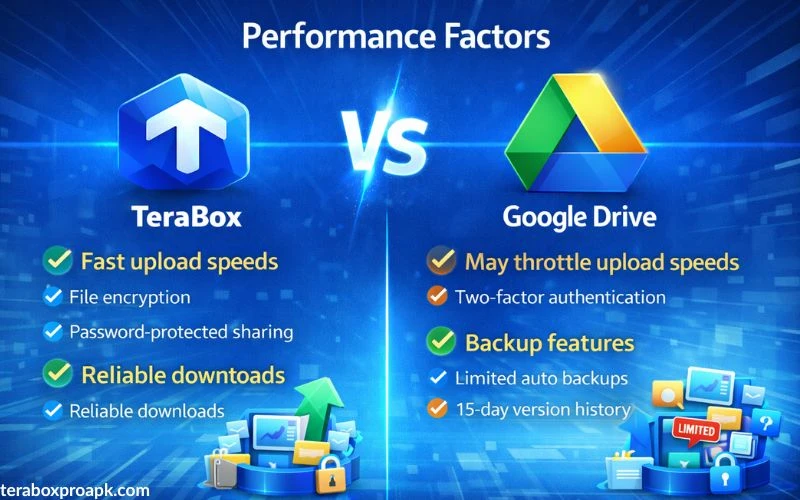
TeraBox syncs well for backups, but regional performance may vary. On the contrary, Google Drive excels in real-time syncing across devices with minimal lagging, providing seamless integration and offline access.
TeraBox vs Google Drive | Pricing Plan
| Plan | TeraBox | Google Drive |
| Free | 1TB | 15GB |
| Basic/Premium | 2TB / ~$3-5 per month $36-40 per year | 100GB / $1.99 |
| Standard | N/A | 2TB/ $9.99 |
| Add-On / Upgrade | 1 TB add / $19.99/yr 3 TB / $59.99/yr 5 TB / $99.99/yr | Higher via Workspace: 5 TB / $18/user (business) |
Benefits of Choosing TeraBox over Google Drive
The ultimate question that individuals ask is why they should choose TeraBox over Google Drive and what benefits they can have. Therefore, I am addressing this question here, providing the key benefits of using TeraBox over Google Drive storage.
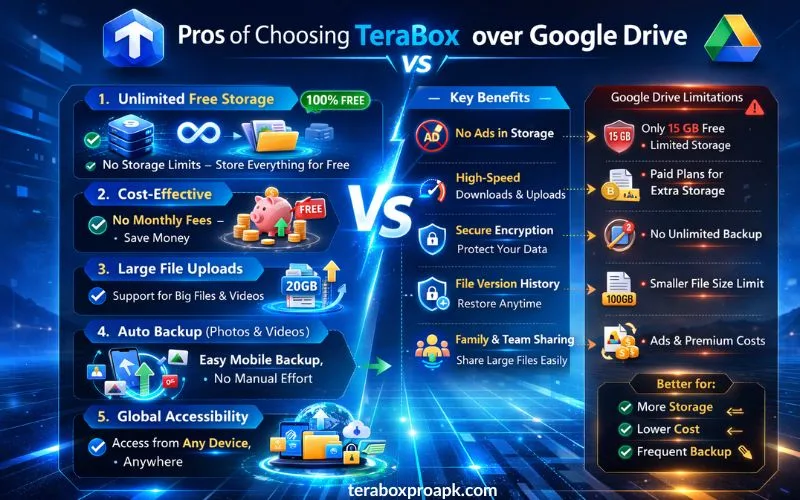
Besides, TeraBox has a simple, clean, and easy-to-use interface that makes it easy to do file management across all devices. TeraBox is a perfect choice for media hoarders, content creators, gamers, and casual users in the emerging markets.
Benefits of Choosing Google Drive over TeraBox
Just like TeraBox, using Google Drive also provides enormous benefits to its users to maintain their device’s local storage easily. Let us have a quick look at the benefits to help you make a quick decision for TeraBox vs Google Drive.
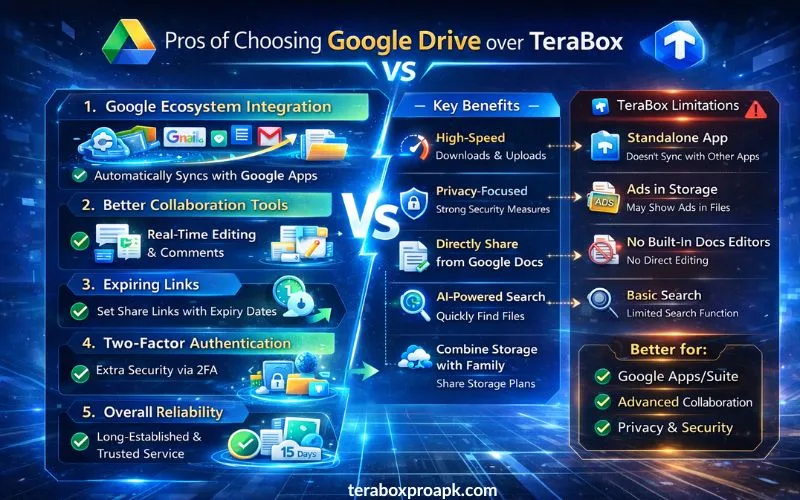
Google Drive has a 15GB free space that is less than TeraBox, but it has broad app integrations and file previews that expand workflow.
Students, freelancers, office workers, small to large businesses, enterprises, and educators should choose Google Drive to maintain their data and device storage. TeraBox MOD APK can also provide you the premium features for free over Google Drive as it gives more storage space.
PROS and CONS of TeraBox
PROS
CONS
PROS and CONS of Google Drive
PROS
CONS
What People Ask | FAQs
Final Words
The above article gives a clear envision over TeraBox vs Google Drive, featuring each vital aspect of both spaces. Choosing the right choice clearly depends on the requirements of the individuals, helping them to think about which one can be the best.
If you have a lot of work in the form of large projects, TeraBox with 1TB of free storage would be perfect. However, students, freelancers, and others who have smaller projects can choose Google Drive as it has the best integration tools.