Is TeraBox Cloud Storage Safe? A Full Review Guide 2026
I have read reviews of many storage apps to find one that offers 1 TB of storage. Fortunately, I got only TeraBox Cloud Storage, with a free 1TB plan, enough for 250,000 photos without spending a dime.
The lifetime free 1024GB of space is blockbuster news, but the privacy red flags remain. I’m sure many of us are more concerned about our privacy than about money or storage space. Therefore, using TeraBox provides a close look at the app for those who use its features and check its data security settings.
Read the article below completely to answer the question: Is teraBox safe for you, or are there any scams waiting? Stay tuned unless you reach the final!
TeraBox Cloud Storage Overview
TeraBox was first developed in 2020 by a Baidu subsidiary, Dubox, aimed at consumers abroad. Then, it was acquired by Japan’s Flextech Inc. in April 2021 and renamed TeraBox, highlighting its safe, ample storage.
A 2024 update improved cross-platform compatibility by adding support for Linux and macOS and introduced a new logo and mascot, Terara. Here are some core features of TeraBox that can help individuals understand why TeraBox can be the best choice.
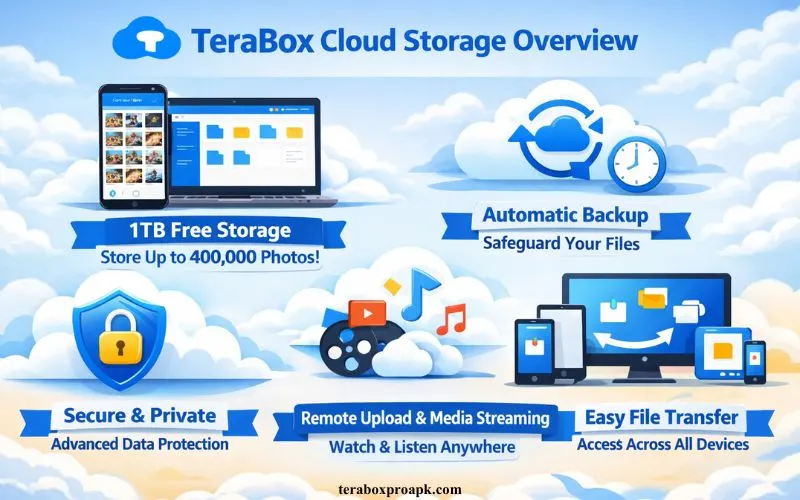
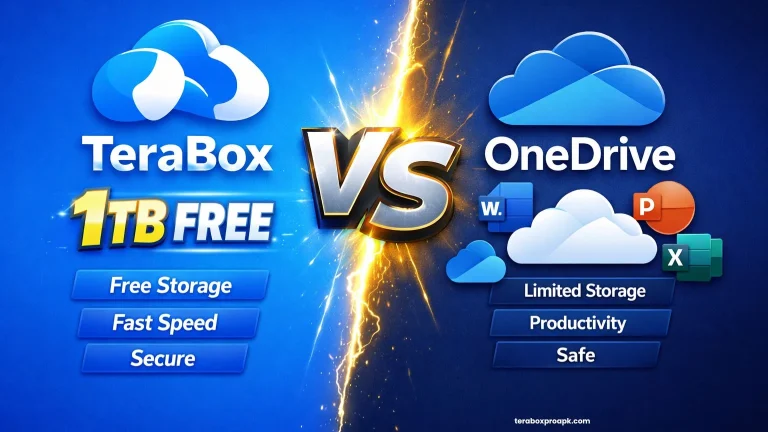
TeraBox’s 1TB free tier is revolutionary in terms of cloud storage capacity, outperforming the rivals. However, another drawback is that one can’t upload more than 500 files with a free TeraBox account.
This is not only a fair deal but also a red flag: the ungenerous 4GB file size limit, reduced upload and download speeds, and permanent file deletion after 10 days. Users need uncapped premium features, which is why they push their accounts to PRO.
TeraBox free vs Premium Plans
TeraBox premium plans turn the drawbacks of freemium plans into a major advantage, letting you upload 50,000 files to your account simultaneously now. Besides, there is no high subscription fee as compared to other alternatives.
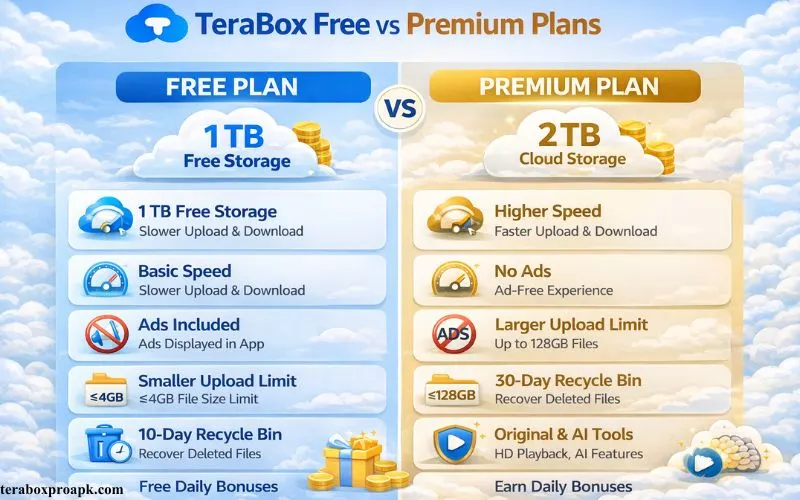
As a premium subscriber, you only pay $3.49 a month or $35.99 a year, which is a cheaper investment than Google Drive. The additional storage adds 1TB more to your cloud with a 20GB file size limit and a 30-day recycle bin retention period.
TeraBox Security Features Analysis
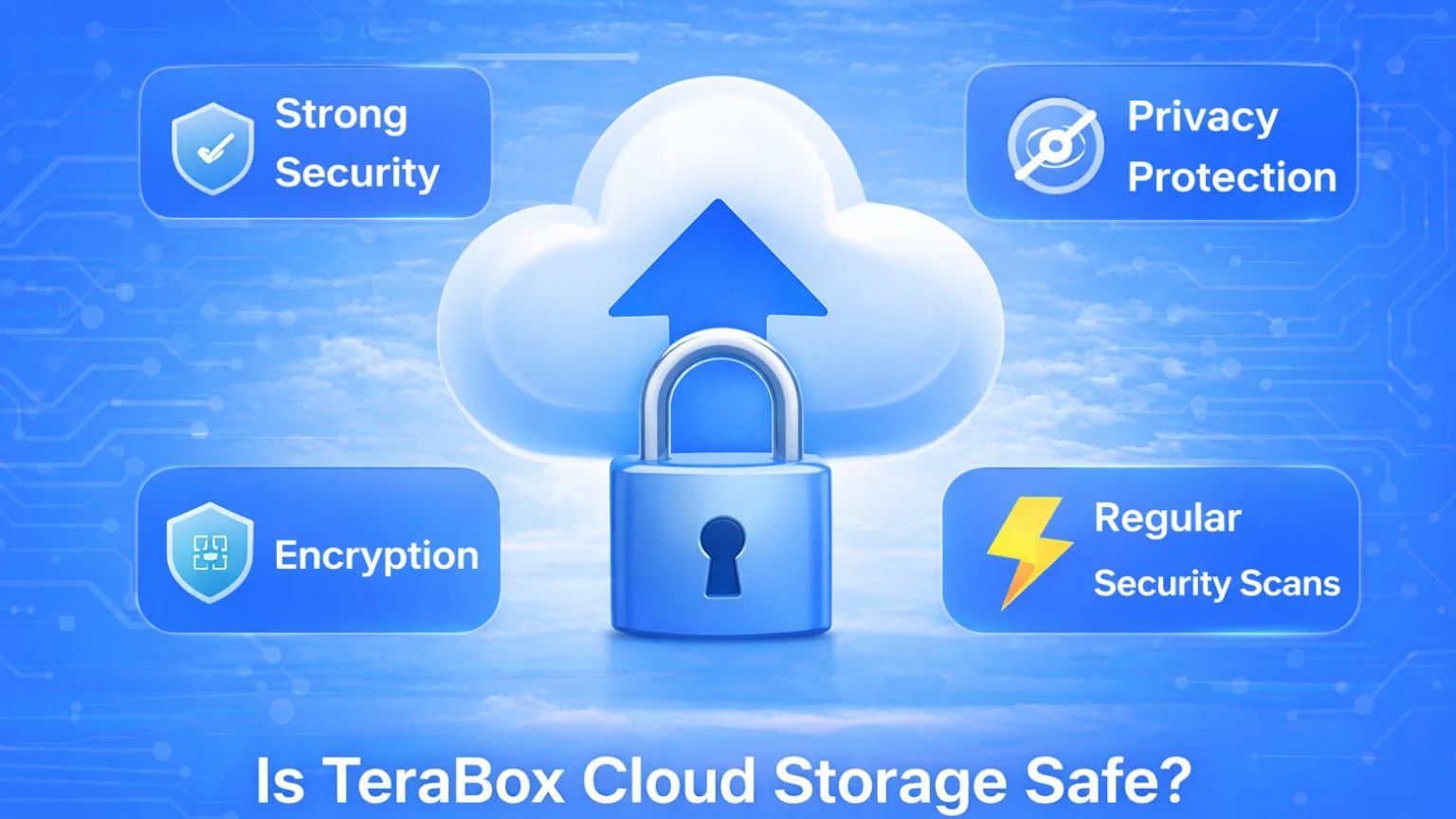
As for security features, TeraBox offers comprehensive data protection to keep its users’ files safe. Here are a few security measures that I’ll discuss to ensure data safety.
Encryption Protocols
TeraBox uses standard encryption protocols like TLS/SSL for data in transit purposes and secure uploads and downloads against interception. The files that individuals store on their TeraBox PC are protected by server-side protection.
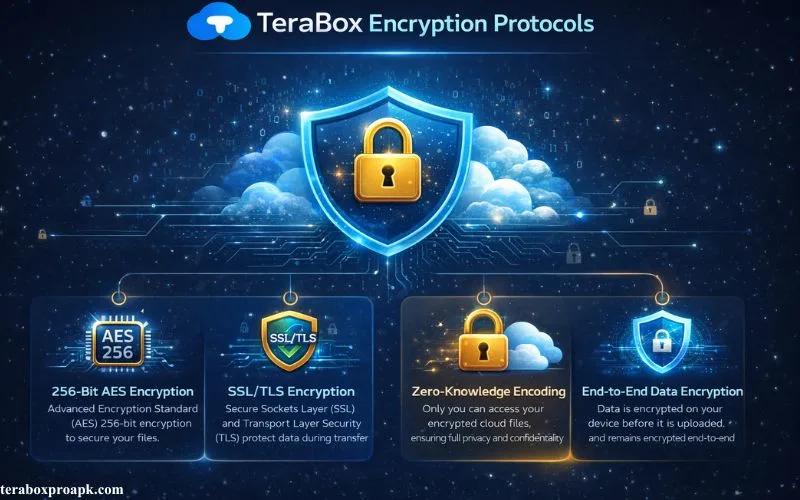
For free plans, the personal vault encrypts up to 200MB of important data, adding an additional layer of security. The ultra benefits of such a multi-layer approach ensure it remains unreadable without proper keys, even during breaches.
Authentication Measures
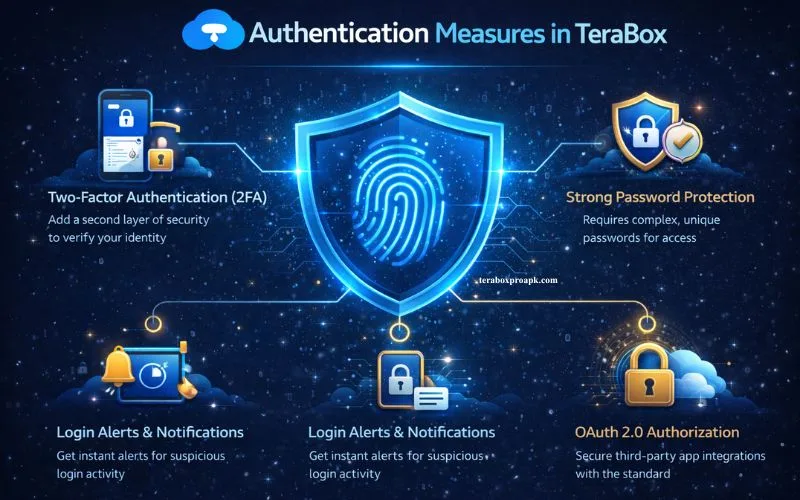
Another strong data safety measure is the authentication factors provided in TeraBox. Implementing two-factor authentication (2FA) provides an additional security layer beyond passwords, hence diminishing the likelihood of illegal access. Besides, firewalls and isolated data centers also block unauthorized access and data threats.
Access Controls
This portion is my favorite, and I hope you will like it too. Because every one of us requires access controls to the data we’ve collected or the projects we’ve worked on.
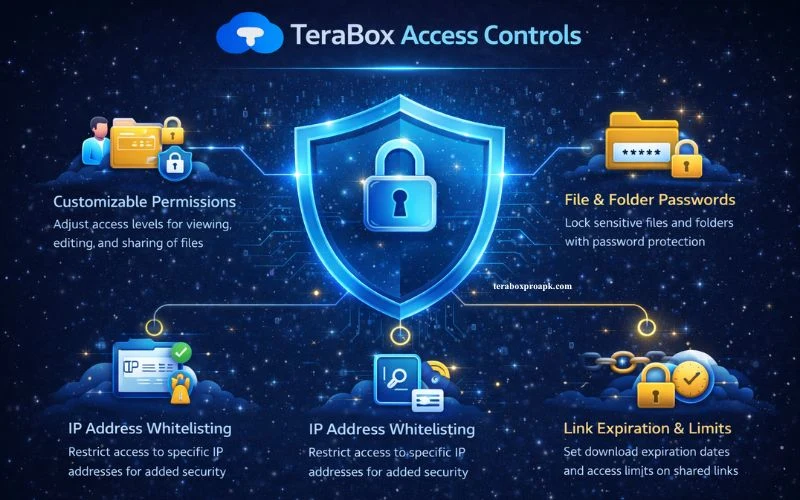
Using this feature, users can set permissions for viewing, editing, and sharing files, including password protection and time-limited links for shares.
However, TeraBox contains server-side encryption keys that can grant access to the corporation, and download restrictions on shared URLs are not enforced. You may find your TeraBox Files missing or deleted. Use the proper search tools to get your files instantly.
TeraBox Privacy Concerns
The encryption and compliance claims address the basic privacy concerns in TeraBox; however, it lacks a zero-knowledge architecture. That raises concerns about the company’s access to user data.
Although its privacy policy emphasizes data minimization and legal compliance, practical restrictions on sensitive use remain. Here are the major privacy concerns that users should consider before switching to TeraBox.
Data Collection
When you switch to your TeraBox profile, you have to provide personal information, such as account details, usage data, and device information, to deliver cloud services.
It adheres to a “minimization” philosophy, informing users through policy changes or displays regarding the extent of data collection. Users may request access to, amendments to, or removal of their data.
Data Sharing and Disclosure
Data sharing in TeraBox is strictly restricted to legal obligations or service provisions, without any third-party access or explicit consent.
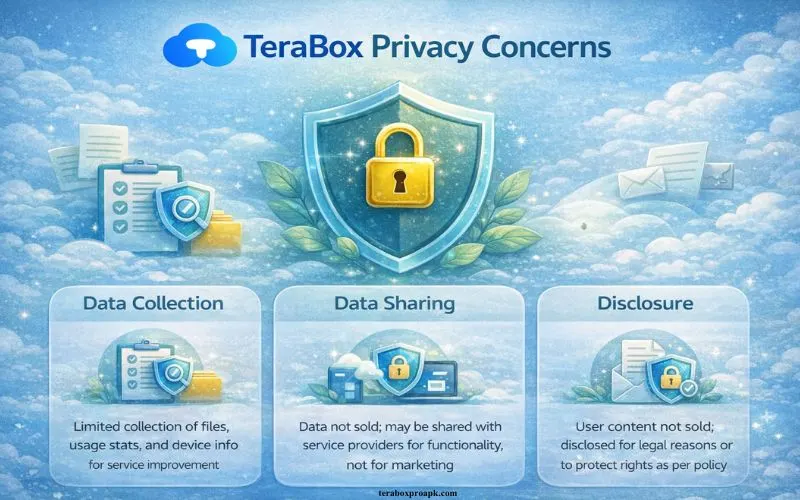
TeraBox claims not to disclose users’ personal details for any purpose and enforces strict internal service permissions.
However, the company, as a non-zero knowledge provider, maintains server-side encryption keys, enabling potential access by TeraBox or mandated authorities.
PROS and CONS of using TeraBox
| Aspect | PROS | CONS |
| Storage Capacity | Offers 1TB free cloud storage, proves to be an unmatched benefit to all other TeraBox alternatives | Limits the file size to 4GB per files and 500 files only in free plans |
| Security | TLS/SSL encryption in transit, server-side encryption, Personal Vault for sensitive files, 2FA support | Lacks zero-knowledge or client-side encryption, company retains server keys |
| Privacy | Offers competitive data minimization policy, GDPR/CCPA compliance claims, user data access rights | Collects user personal data, potential company access |
| Performance | Quality file management, sharing with password/time-limit, premium plans improve speeds | Single-file downloads, sluggish or halted downloads, and interruptions from advertisements are included in the free plan. |
| Usability | Secure sharing features, cross-platform compatibility, and an intuitive interface. | 10-day erased file recovery, low-resolution media preview on the free tier, intrusive advertisements, and no macOS client |
TeraBox User Reviews & Benchmarks
Users have conflicting opinions about TeraBox’s security; while it is praised for its large amount of free storage, it is criticized for its privacy flaws and performance problems. Let us check its aggregated ratings on renowned forums, along with benchmarks for safety and usage.
Aggregated Ratings
With 170+ positive reviews, Trustpilot gives TeraBox 3.5-4.2 stars for its fast servers, strong security features, and 1TB of extensive cloud storage. However, we can’t ignore the users’ frequent complaints about TeraBox ads and login issues.
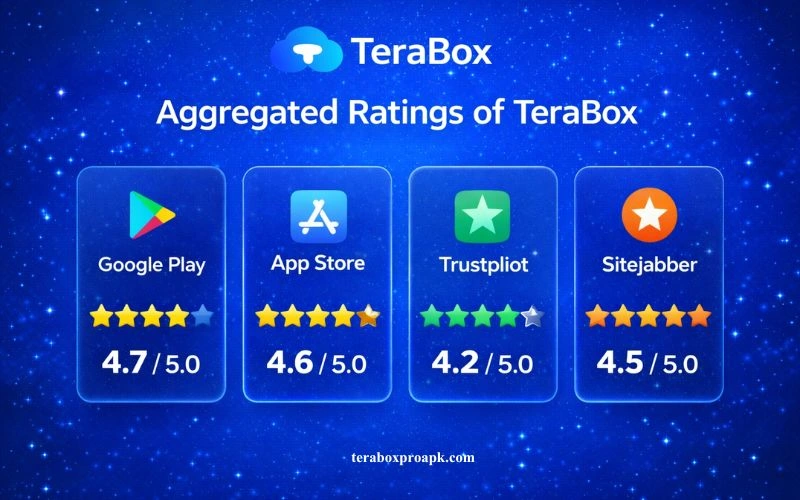
Though there isn’t a single score, the opinion in Reddit’s r/cloudstorage discussions is cautious, with users describing it as “legit” for casual backups but cautioning against critical data due to performance limitations and other access threats.
Benchmarks for Safety Usage
Lab experiments reveal that while the free tier throttles downloads 5 times slower with single-file constraints, premium plans achieve steady rates (e.g., 5GB folder uploads are possible on 100Mbps connections).
In practice, security is maintained by TLS encryption and 2FA; yet, zero-knowledge implies that files are not completely private; users report no breaches but flag advertisements and monitoring.
TeraBox vs Other Alternatives
| Features | TeraBox | Google Drive | Dropbox | pCloud |
| Free Storage | 1TB | 15GB | 2GB | 10GB |
| Encryption | Server side, no-zero knowledge | Server side | Server side | No-zero knowledge (when purchased) |
| Safety Ratings | Perfect for casual, may risky for sensitive data | Strong ecosystem, scans files | Reliable, business focused | Privacy leader |
| Speed (Free Tier) | Throttled Downloads | Fast | Convenient | Good (no ads) |
2026 Updates
To date, in 2026, no significant events have been recorded; Cloudwards’ November 2025 review shows that the free plan limits remain in place, with no new infractions.
With premium upgrades that address speed issues, according to user testimonials, TeraBox continues to enforce takedown policies for illicit content.
Potential Risks and Best Practices
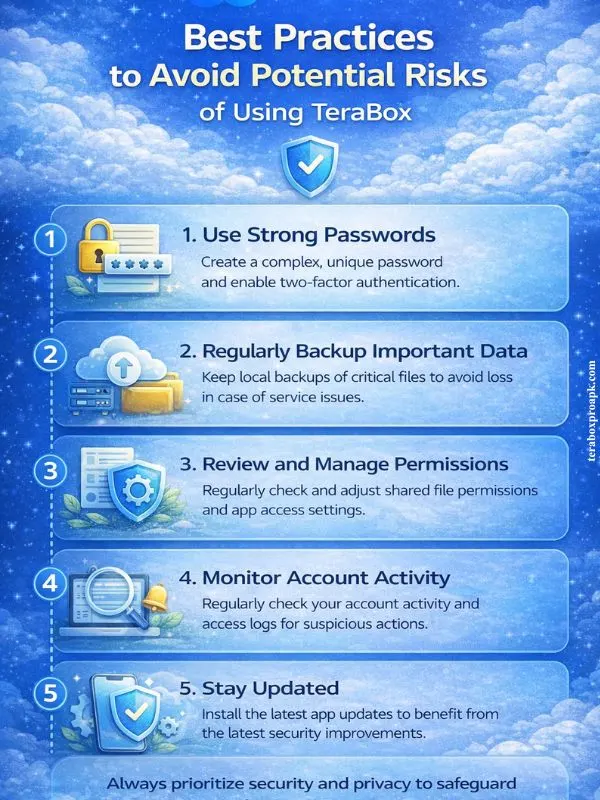
Due to the freemium model and operational choices, TeraBox faces potential risks, including performance limitations and the possibility that the company may access user data. Although it is perfect for casual backups, users should follow strict practices to minimize exposure.
Key Risks
Best Practices
What People Ask | FAQs
Conclusion
TeraBox Cloud Storage with a 1TB free plan is a diamond in the rough when compared to the other storage alternatives. When paired with smart usage and a trusted encryption tool, TeraBox reigns supreme in its price class—unrivaled value for secure, massive storage.
If you don’t want to get the premium plan, using TeraBox MOD can offer you robust features similar to the premium plan.