Does TeraBox Delete Files? The Ultimate Facts to Know [2026]
I can’t find my recent project files in TeraBox. Does TeraBox delete files? A glance at my favourite discussion forum gave me goosebumps, as readers expressed concern about their important files. And I was thinking, did it really happen?
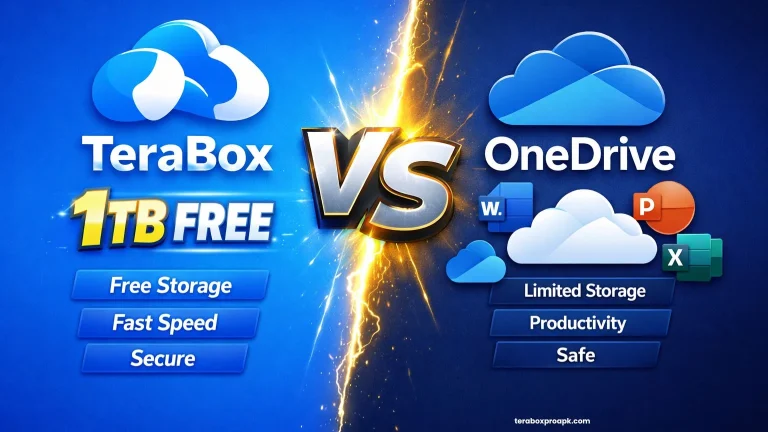
Till now, I have never faced this issue, but many of us can, which is why I wrote this guide for you. TeraBox is a secure cloud platform that provides free space to store large files up to 1 TB.
Messing up any of your files doesn’t mean that they’ve been deleted, as TeraBox doesn’t delete files automatically. The guide below will clear up all of the confusion. Read it carefully, and follow the instructions as required.
Does TeraBox Delete Files?
TeraBox doesn’t free up your space by deleting files without your permission, even after you uninstall the app. You can easily save your documents, photos, videos, and files to the cloud storage, and they will not be deleted.
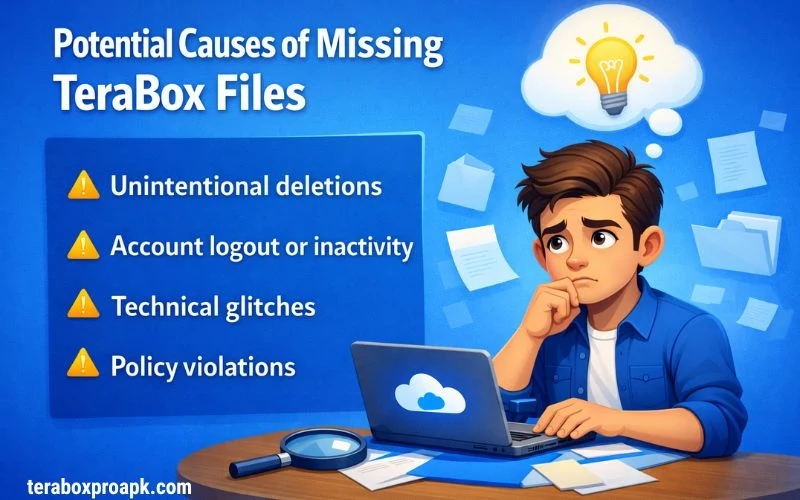
If you’re going to delete your account, you’ll have to be careful this time, since your files will be removed. I will discuss some potential causes of missing your files in the TeraBox storage.
Let us discuss these issues to find the precise solution to ensure a proper TeraBox setup and to save your files without any fear of deletion.
Failed Login Attempt
TeraBox supports multiple accounts, and most users make this mistake when they try to find a file in an account where it’s not saved. Finding the file in an account where you haven’t saved it will be called a missing file.
Therefore, it’s better to use TeraBox previous accounts with proper login credentials and check out your desired file.
Inaccurate Folder Location
Sometimes working for hours can cause your files to be misplaced and moved to a folder by accident. It happened to me many times, and I try to find missing files in the folders where I actually placed them.
If you have also faced this situation, the best solution is to use the search bar and enter the relevant keyword. You will find your required file within minutes if you have logged into the right account.
Synchronization Failure
A common synchronisation failure occurs for many TeraBox users when they upload large files. A poor internet connection or incomplete cloud file syncing may cause synchronisation failure.
You can check the transfer list in TeraBox premium storage to see whether the file has been uploaded completely. If not, delete the file and try uploading it again until it completes.
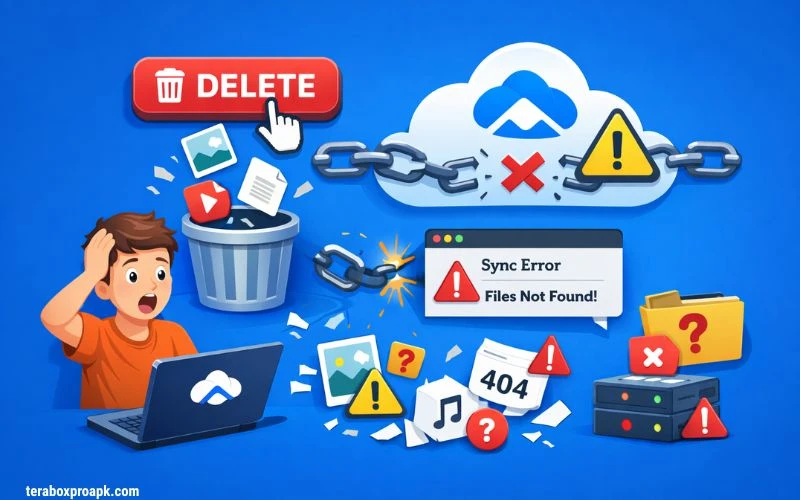
Unintentional Deletion
If you accidentally delete a file, it will be moved to the Recycle Bin. Are you surprised to know about the TeraBox Recycle Bin? That’s why it’s been loved by users and has received positive ratings on community forums.
To save the file from permanent deletion, you have to recover it from the recycle bin. If the file isn’t recovered, you can focus on other backups to prevent it from being lost.
You can recover your files from the Recycle Bin for up to 10 days if you are using the free version of TeraBox. Additionally, individuals using the premium TeraBox can retrieve their files within 30 days.
Common Data Loss Misconceptions
Many TeraBox users have common misconceptions about data loss. For instance, they think the files are deleted, misplaced, or moved when the app is uninstalled, or storage is maxed out.
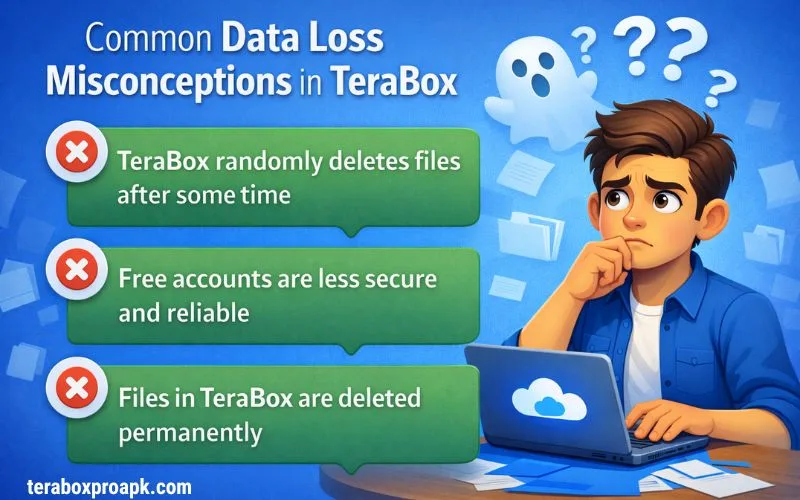
Both of the above points are clear misconceptions, as TeraBox doesn’t delete your files until you perform certain actions. Files remain in the cloud storage for as long as you want.
Therefore, there is no need to focus on any such misconceptions, as your files remain safe in TeraBox as long as your account is active.
Manual Guide to Delete Files in TeraBox
So now it is straightforward that TeraBox doesn’t delete your files; however, you can delete them to clean up space.
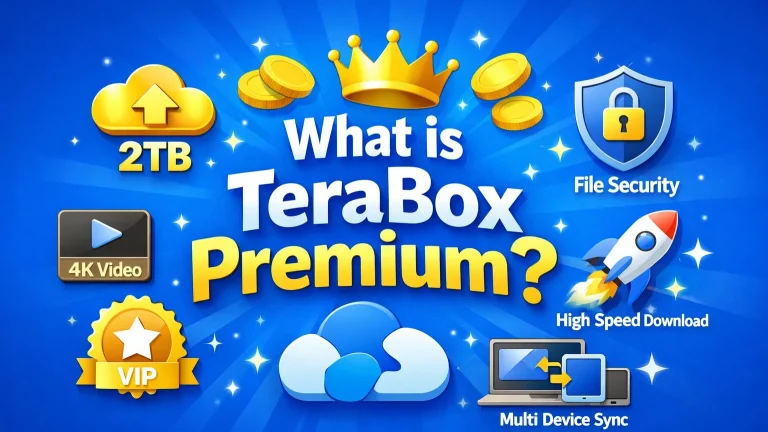
You can choose a premium plan or TeraBox MOD for PC to expand your storage to 2TB; otherwise, delete some unimportant files.
TeraBox File Deletion Via Android
Method 1: Scroll the cursor to check on the files you want to delete. Based on your requirements, you can select single or multiple files.
Method 2: Check out the preview mode for all documents, then hit the delete button.
Method 3: Tap the photo icon at the bottom to jump into your Album, long-press any pic to grab multiples, then tap “More” > “Delete” for a quick cleanup!
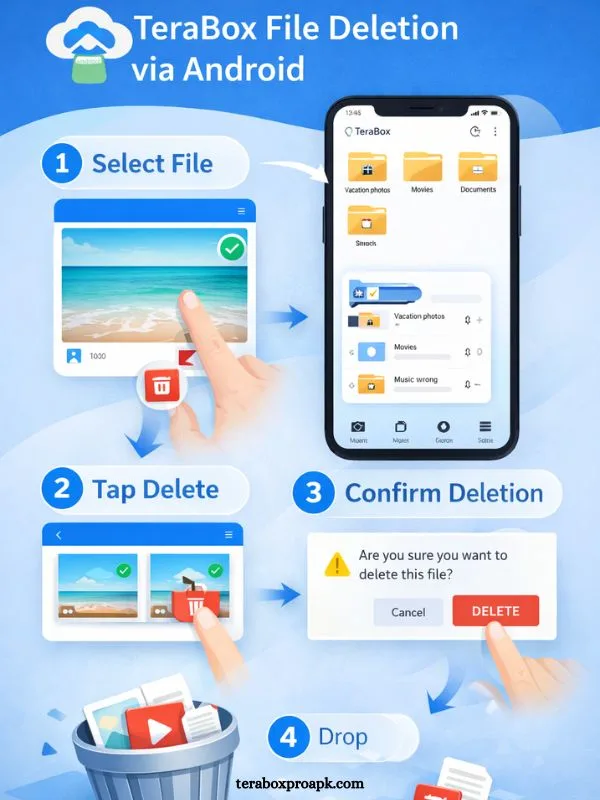
Method 4: To delete videos, hit the video icon that you will see at the bottom, enter the theatre, and click on the dotted lines to delete certain videos.
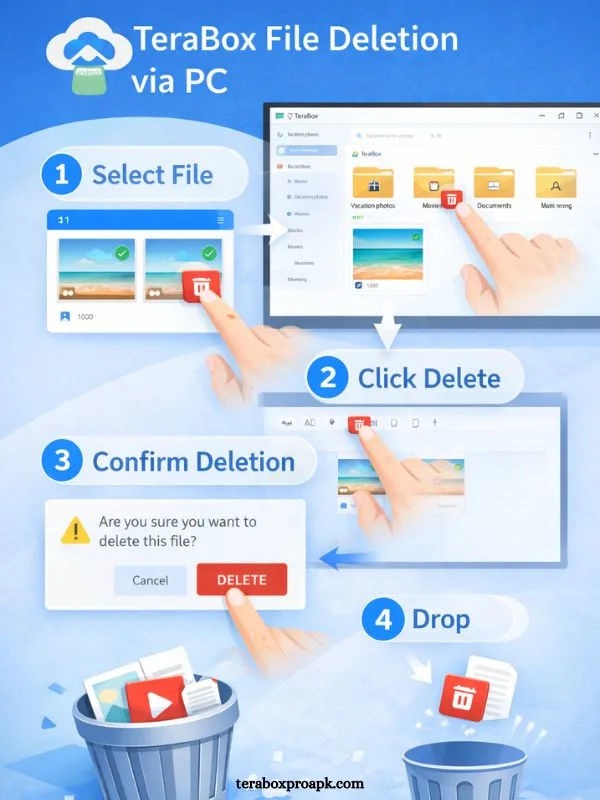
TeraBox File Deletion via PC
Method 1: You will see the checkbox to delete images, select these boxes, and tap on the “Delete” button.
Method 2: Scroll the cursor to any file and tap on the delete button.
Method 3: Double-click any file; the preview mode will open, then hit the trash button.
If you’re done enough with TeraBox and want to choose any alternative, the better choice is to shift your data to a safe space and then delete the TeraBox account to ensure privacy terms.
TeraBox Policies for Inactive Profiles
If you created your account a year ago but then you didn’t use it, what will happen to your stored files? No worries, TeraBox doesn’t have any such policy for inactive profiles; therefore, your files have been saved to this point.
The better step is to log in to your account to make sure your important files, documents, or projects are saved permanently.
Long-Term Safety Measures of TeraBox
To protect your data from typical or accidental loss, here are some quick steps you can take to implement long-term safety measures.
These steps help you save your important files for a long time until you move them to another location.
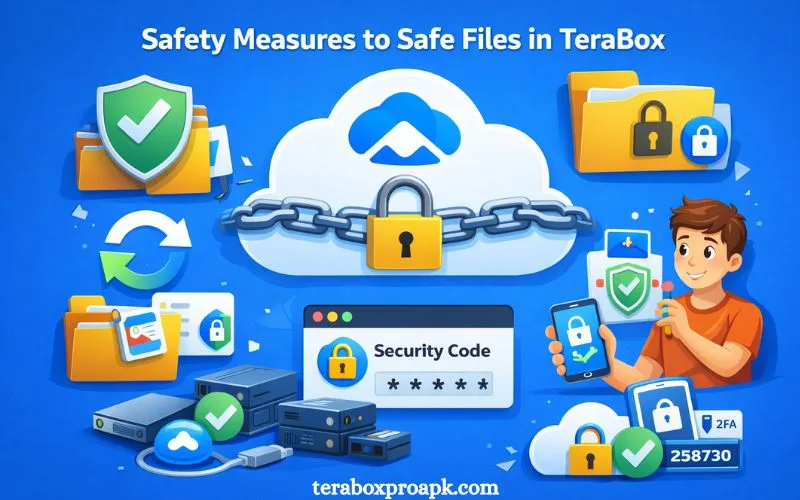
Data Loss Prevention in TeraBox
To prevent data loss, here are some easy-peasy steps that can help.
If you are not comfortable saving your TeraBox files, you can choose another alternative. TeraBox vs Google Drive provides a comprehensive comparison of choosing the best cloud storage app.
Conclusion
Is your mind lost in thought over the question, “Does TeraBox delete files?” Not now, because TeraBox requires quick actions to delete any files stored in the cloud storage. TeraBox Cloud Storage is one of the best apps that provides users with 1TB of free storage to save their important files. Therefore, there are no unexpected actions, your files will be deleted on if;
If you keep all your important files well-organized and use the login credentials properly, all of your files will be safe and secure in TeraBox.