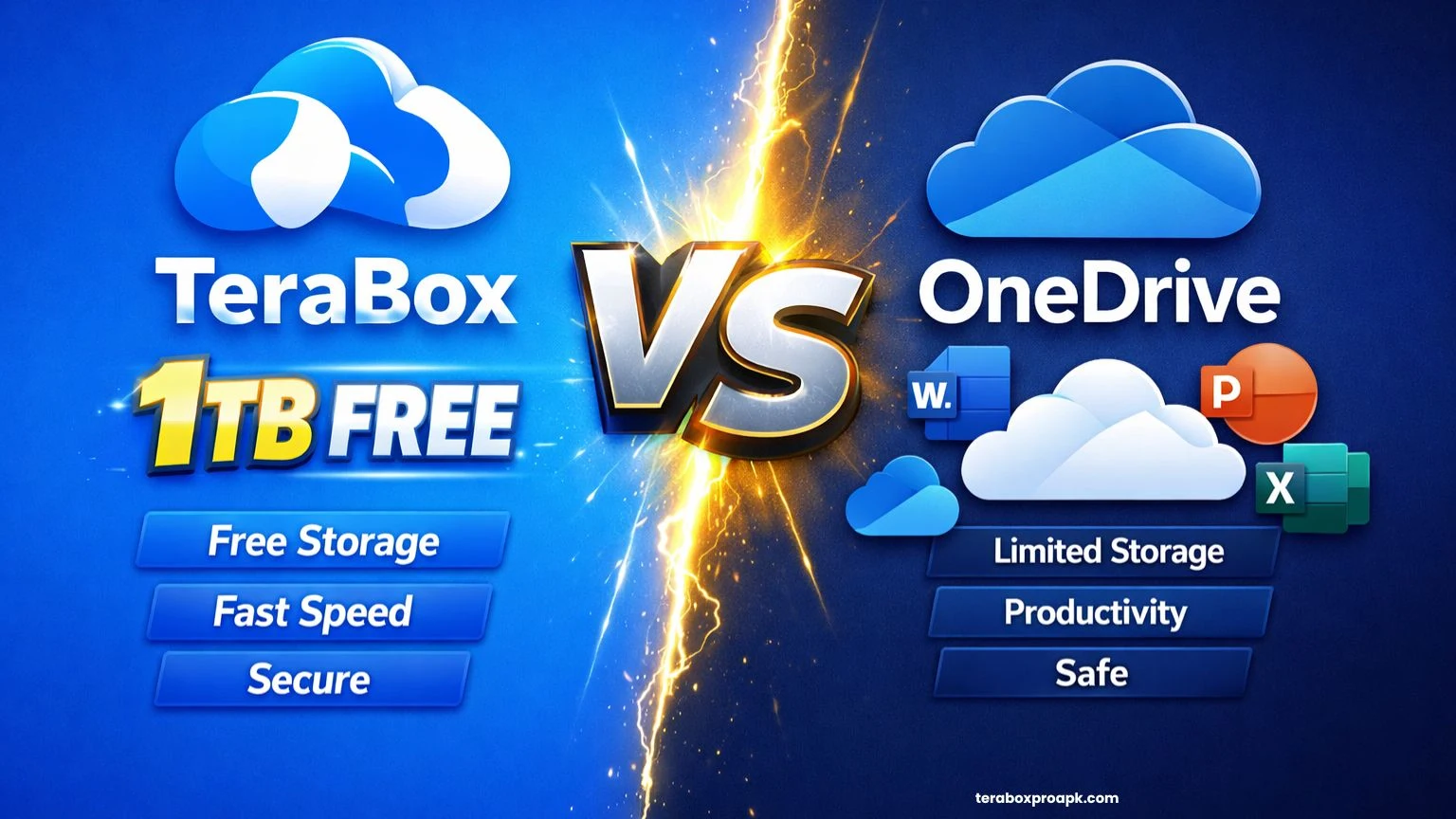
TeraBox vs OneDrive | Choosing the Right Option (Detailed) 2026
You’re living in a space where a single smartphone can store thousands of images and videos. Here, choosing the right storage space isn’t a luxury; it’s essential. TeraBox vs OneDrive is one of the most crucial decisions one has to make, based on their needs, budget, and work level.
TeraBox disrupts the market with a massive 1TB of free storage, attracting 400 million users worldwide who crave space without upfront costs. However, Microsoft’s OneDrive offers just 5 GB of free storage but superior integration for Office users and robust 256-bit security.
This comparison calls you to deep dive into the specifications and real-world fit to choose the right companion for you.
TeraBox vs OneDrive | An Overview
TeraBox was launched by a Hong Kong-based firm, FlexTech, around 2021, renowned for offering 1 TB of free cloud storage. Such a large amount of free space is especially designed for individuals overwhelmed by social media, as it can store up to 500 HD movies or millions of images.
TeraBox supports real-time synchronization across Windows, Android, Linux, macOS, and iOS with automatic backups for images/videos/folders. Besides, it supports high-speed file sharing (up to 4GB links), AI tools, and advanced security features (encryption and privacy tools). Such key features let it earn strong user ratings (4.7/5) for document storage and secure login.
On the other hand, Microsoft OneDrive was introduced in 2007 as SkyDrive, rebranded in 2014, and offers 5GB of free cloud storage. This space can be extended to 1 TB+, but you have to choose a subscription plan.
The tool is perfectly designed for professionals, with key features such as Personal Vault Encryption, folder backups, and Copilot AI Integration (in premium suites).
It offers real-time co-authoring in Word/Excel and PowerPoint, with password protection and link sharing. No doubt, OneDrive has advanced key features, but its storage space is much less than TeraBox’s.
TeraBox vs OneDrive | Full Specifications
| Specification | TeraBox | OneDrive |
| Free Storage | 1TB (1024GB) | 5GB |
| Maximum File Storage | 4GB (Free) | 15GB (Android), up to 256GB on desktop |
| Platforms | Android, iOS, Windows, macOS, Linux, Web | Android, iOS, Windows, macOS, Web (deep Windows/Office ties) |
| Sync Features | Real-time sync, selective sync, multi-device, auto-backup | Block-level sync, Files On-Demand, selective sync, folder backup |
| Sharing | Link Sharing (up to 4GB), passwords, expiry, folder permissions | Link Sharing, password, expiry, folder permissions, download limits |
| Security | Encryption, privacy tools (basic, non-zero knowledge) | AES-256 encryption, 2FA, Personal Vault, Ransomware detection |
| Productivity Tools | AI subtitles, PDF scanning, intelligent albums, media playback | Office Online co-editing, file previews, Copilot AI (premium) |
| App Size | ~150MB | ~89MB |
| Developer | Flextech.Inc (Hongkong) | Microsoft Corporation |
| User Base | 400M+ global users | Part of Microsoft 365’s billions (exact isn’t disclosed) |
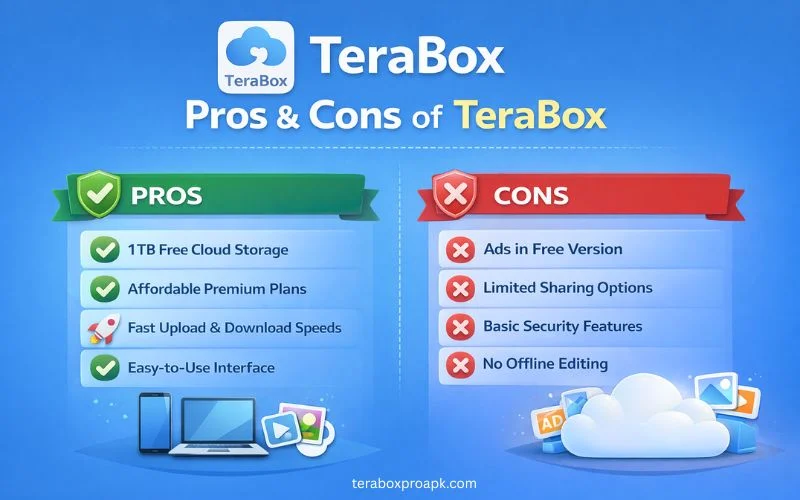
PROS and CONS of TeraBox
Before we deep-dive into the comparison of the key features of both apps, let us look at the benefits and drawbacks.
PROS
CONS
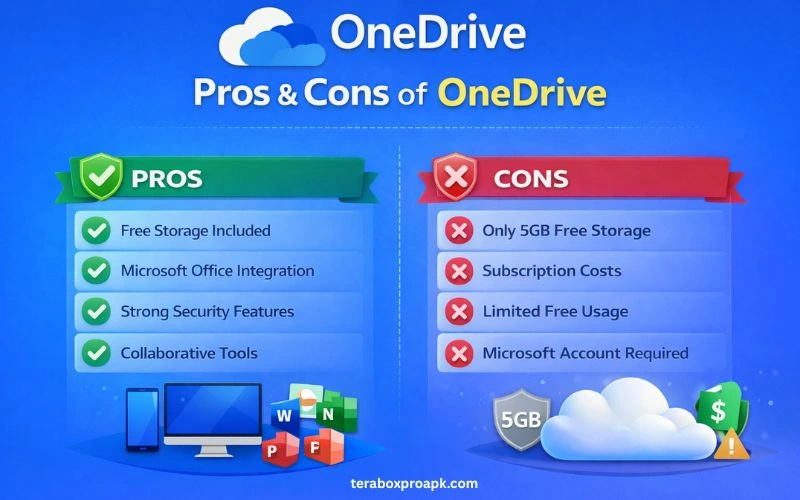
PROS and CONS of OneDrive
Although OneDrive delivers seamless Microsoft Integration and top-tier security, it also has some limitations. Let us have a look at the pros and cons of OneDrive.
PROS
CONS
Exciting Features | TeraBox vs OneDrive
Let us dive into the thrilling features of TeraBox and OneDrive to help you decide which is the right option for you.
Storage Capacity
TeraBox provides 1TB of free cloud storage, ideal for individuals who need more space for their data. You can easily manage images, videos, documents, and any kind of data without any fear of running out of storage.
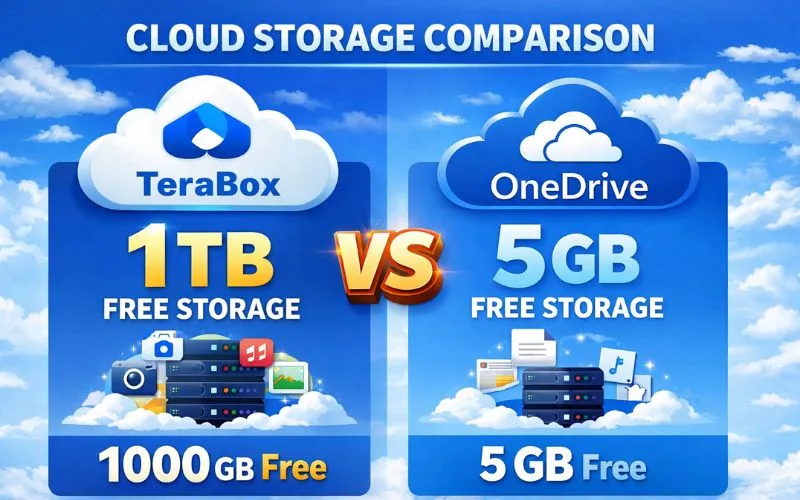
On the Contrary, OneDrive offers only 5GB of space, which is much less than TeraBox. OneDrive bundles 1TB with Office, but this costs more. Both TeraBox and OneDrive offer premium plans for users to choose the one that better suits their needs.
User Experience
You may have a mixed user experience with TeraBox; it is intuitive for quick file access, but it is hampered by ads in the free version. No doubt, TeraBox stands out for its clean web and app layouts, visual storage bars, tile/lists view, and quick tabs for files/photos/videos.
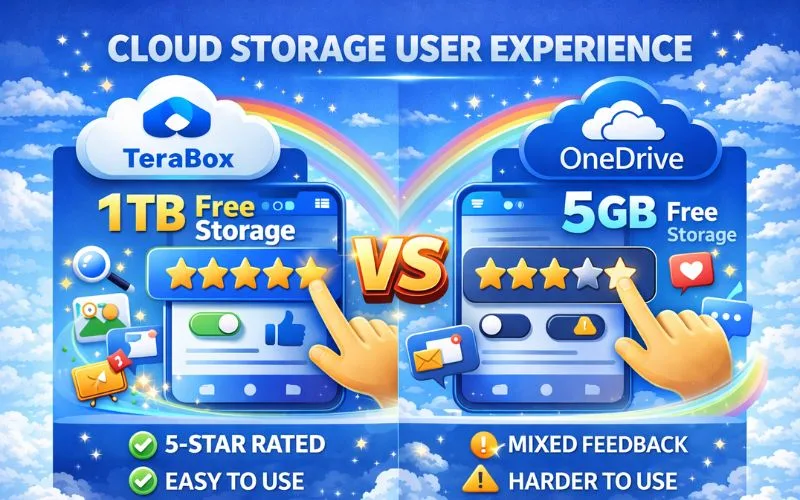
On the other hand, OneDrive provides a polished, professional user interface that enhances the overall productivity within the Microsoft Ecosystem. The UI is consistent and responsive across web and Windows, offering a unique organization by collaborators or meetings. However, the UI is overly complex for new users and exhibits invasive behaviors.
File Transfer
Since TeraBox offers massive 1TB of free storage, it is hassle-free for large file transfers up to 4GB (20GB premium TeraBox) via high-speed links. TeraBox also allows remote uploads via URLs/torrents and password-protected sharing without size limitations for logged-in users.
Not like TeraBox, but OneDrive also provides collaborative sharing, 15GB mobile/250GB desktop limits, and drag-and-drop web sharing. It also offers granular file transfer permissions (passwords, expiry, edit/view) and seamless Office file handling.
Strong Security
TeraBox prioritizes data protection through multiple layers, though it falls short of zero-knowledge encryption that is often included in premium versions. Key security measures that TeraBox includes:
These features make TeraBox reliable for backing up important data and for easily transferring secure files, with two-factor authentication or password protection.
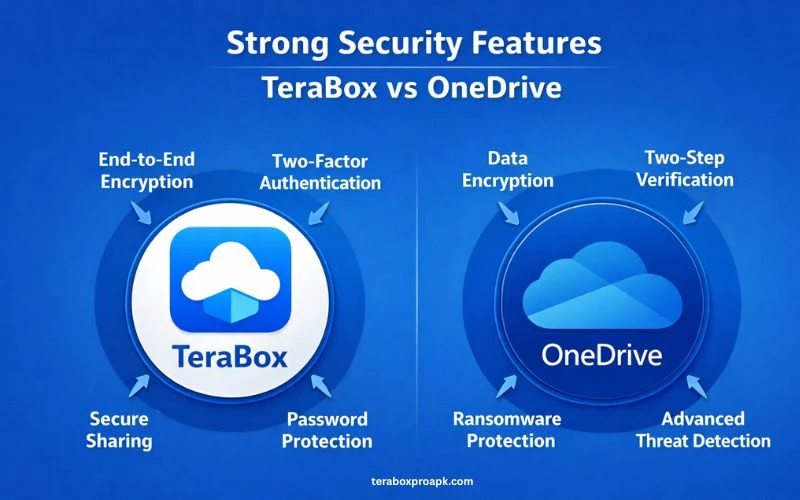
On the other hand, OneDrive sets a high bar for professional cloud protection, fortifying strong security with enterprise-grade encryption and proactive threat detection. Other features include:
OneDrive has stronger security features than TeraBox, making it a more reliable tool with less storage space.
Ad-free Experience
TeraBox’s free version doesn’t offer an ad-free experience; instead, it shows frequent ads, pop-ups, video delays, and full-screen interruptions. To get a fully ad-free experience, you need to sign up for premium plans ($3.99+/mo for 2TB) and extras like 1080p playback.
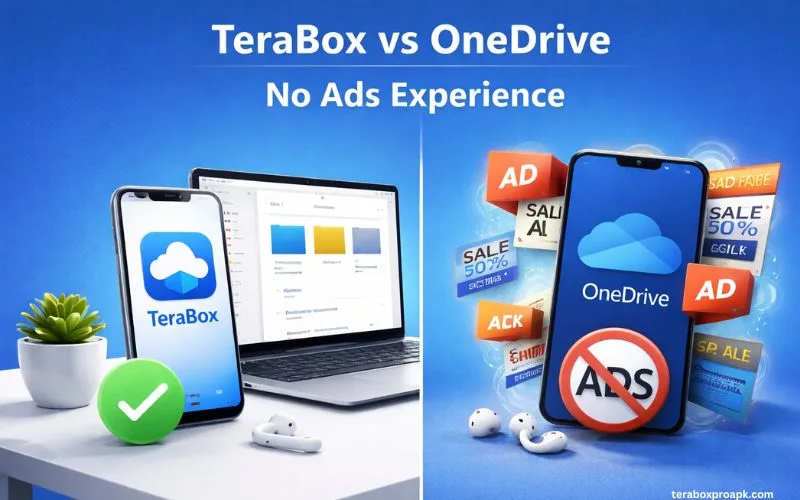
On the contrary, OneDrive provides a fully ad-free experience across all tiers, no popups, banners, or interruptions in its core cloud storage. There are no distractions with the basic 5GB plan, no video ads, or forced upsells during file synchronization. The app’s focus is entirely on productivity.
Device Compatibility
TeraBox ensures broad device compatibility through dedicated apps and web support, enabling seamless file synchronization. Users can easily access their files using TeraBox iOS, Android, Windows, or iPads. This makes synchronization with multiple devices simple and easy.
On the other hand, OneDrive delivers exceptional cross-platform compatibility and seamless synchronization across all major ecosystems. It offers real-time synchronization across unlimited accounts with the same Microsoft account.
Collaboration Tools
TeraBox offers basic collaboration tools for file sharing rather than advanced real-time editing. Individuals can generate shareable links with password protection to share files and folders. Besides, TeraTransfer allows one-click large-file links via email sharing that can be accessed on multiple devices and shared with at least 5 recipients.
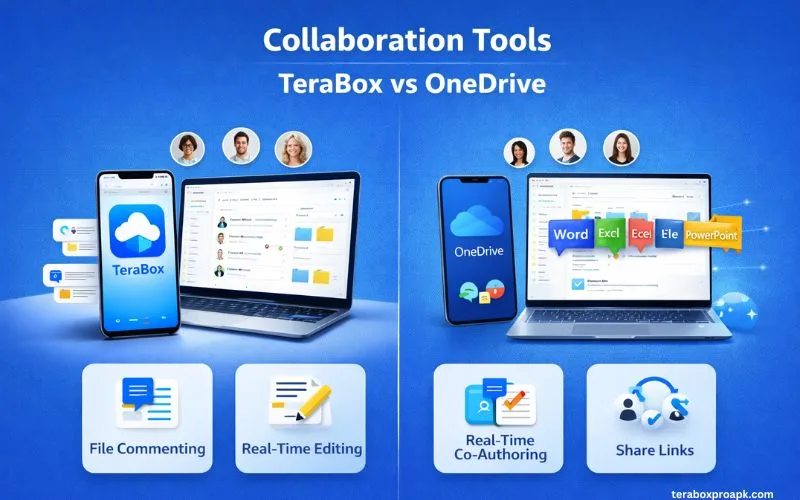
OneDrive offers real-time co-authoring, enabling simultaneous editing in Word, Excel, and PowerPoint. Here, users can easily see the cursors or collaborators’ names live with auto-save and version history options. Other collaboration tools include Granular sharing, Teams Integration, and an open comments section.
Automatic Backup
TeraBox offers automatic backup with a simple one-tap setup in its mobile apps, protecting media and selected folders.
In OneDrive, you can turn on automatic backup using PC folder backup (known folder protection), which seamlessly syncs Desktop, documents, and pictures to the cloud.
TeraBox vs OneDrive | Which one is the Right Option?
Choosing the right option between TeraBox and OneDrive is possible only when you truly understand your needs. You should know whether your data requires large storage or Microsoft tools’ real-time editing with less space.
TeraBox is a suitable option for individuals who primarily work with media files, images, videos, or large amounts of content to be saved. The 1TB space works well there, and they can easily manage their data.
However, individuals who constantly work with Microsoft tools like Word and Excel and save documents rather than large files should choose OneDrive. Though OneDrive has less storage space, this can be managed by purchasing premium plans.
People Also Ask | OneDrive vs TeraBox
Conclusion
TeraBox vs OneDrive provides a comprehensive comparison to help individuals choose the right option. Both apps offer pros and cons along with outstanding features. The 1TB storage space is perfect for content creators; however, OneDrive is the best option for professionals. If you’re none of them, just know your needs and choose the right one according to your requirements.