TeraBox Links: Are they Permanent? Ultimate Truth + Fixes (2026)
Have you ever been in a situation where you find a shared TeraBox Link dead after a few days? Of course, the result is the inaccessible files and ruined plans. TeraBox links promise cloud sharing, but their permanence is a major headache for millions of users.
The communities have shared common user nightmares, including link expiry without warning, bandwidth limits that kill access during peak times, and frustrating errors like “File not found”.
Being a free user, many TeraBox users will not have any control over expiration dates. Besides, they face no recovery options once the link vanishes. This post is all about TeraBox links. Let us deep dive into the proven fixes to save your files forever.
What are TeraBox Links?
TeraBox is a cloud storage platform that generates secure URLs allowing users to share important files and folders with others via copy-paste. They usually come in two types:
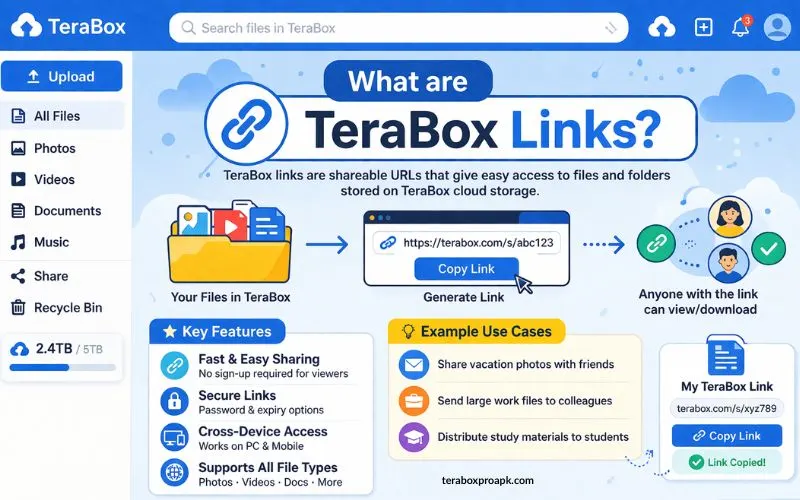
TeraBox links maintain users’ data privacy by providing an extraction code, blocking unauthorized crawlers, and ensuring secure data transfer worldwide.
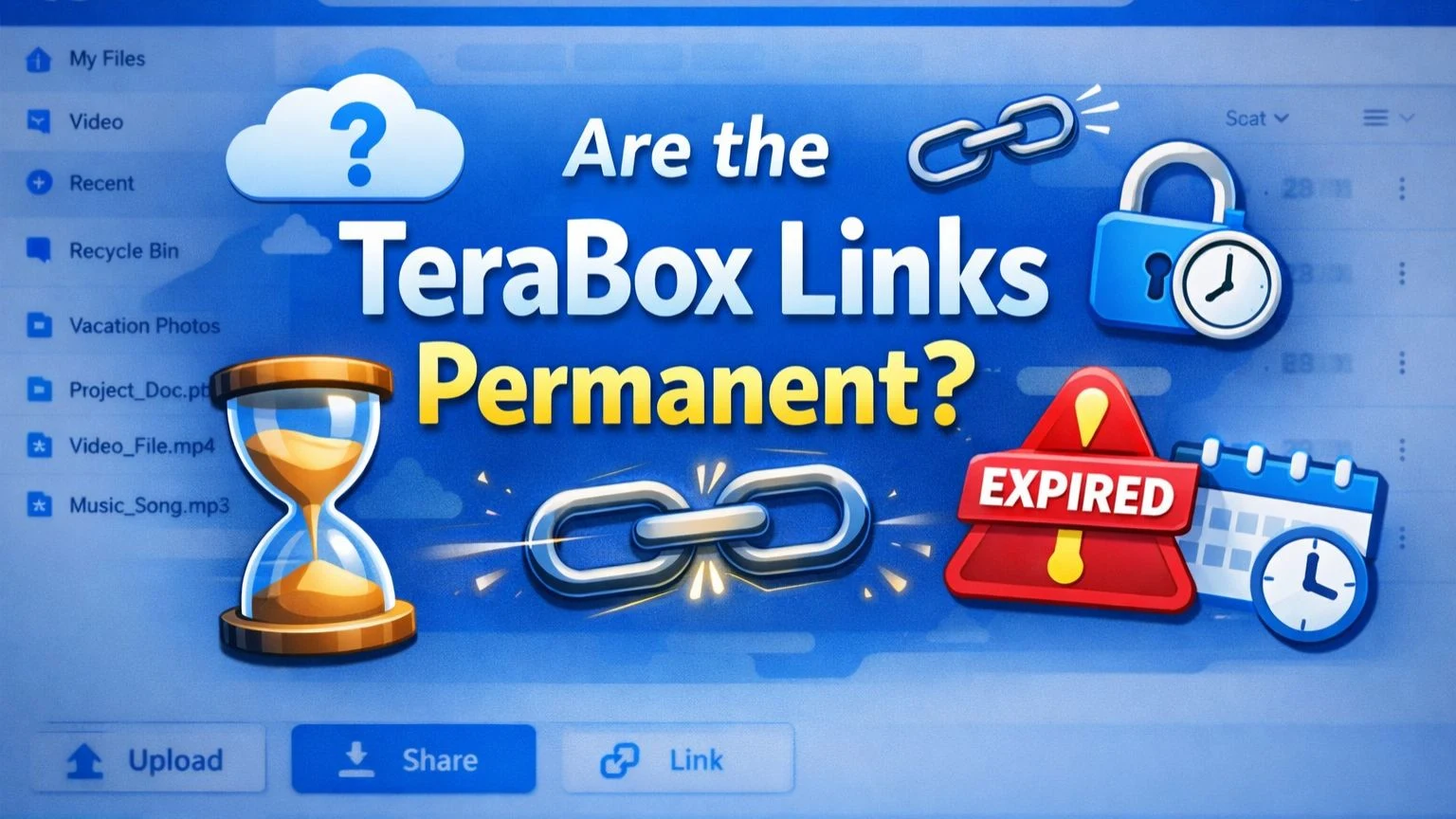
Are TeraBox Links Permanent?
TeraBox links’ permanence doesn’t fall into the realm of myth or a dilemma that communities and users can’t solve. It is really simple to understand that not all generated links can be permanent.
You can make them permanent based on the data and the individuals you’re sharing it with. Additionally, users can create an expiry link with a specific deadline (as the deadline approaches, the data becomes inaccessible).
How do Permanent TeraBox Links work?
Permanent TeraBox links are active for an unlimited time (forever). Now you can access shared files without expiration worries, making them ideal for long-term collaborations, backups, and ongoing downloads.
Benefits & Pitfalls of Permanent TeraBox Links
Here is a quick overview of the benefits and pitfalls of permanent TeraBox Links, to help users decide whether to use them.
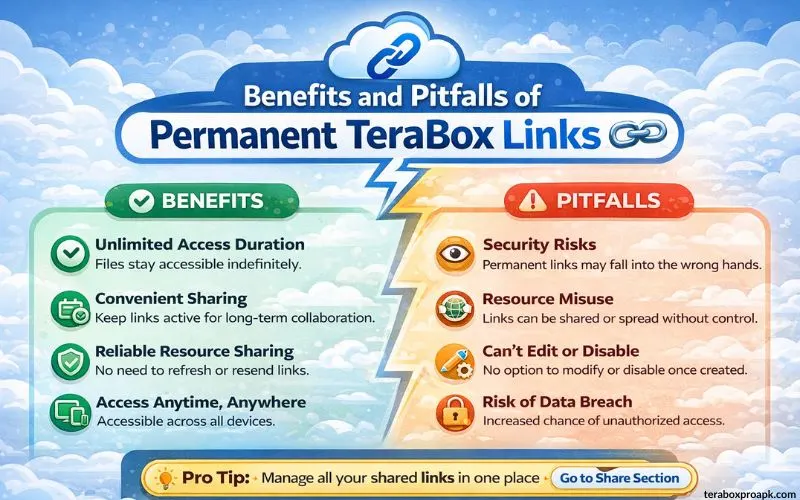
Though such links are encrypted, privacy concerns arise from potential vulnerabilities in crawlers.
How Expiry TeraBox Links Work?
These links are similar to permanent links, but they have a limited lifespan and remain active for a specified duration. Once the time span finishes, you have to replace them with other links.

Users can generate various types of TeraBox links tailored to their needs and preferences. As the link expires, users must regenerate it to restore access. It minimises data-leak risks, boosting overall security, with extraction codes adding an extra layer of protection.
Benefits & Pitfalls of Expiry TeraBox Links
The ultimate benefits of Expiry TeraBox Links include enhanced privacy due to a limited time span, reduced long-term exposure to links, and reduced unauthorised access. Other benefits include:
If you’re a free user, you can easily benefit from the quick setup without any premium features and save storage space by removing outdated shares.
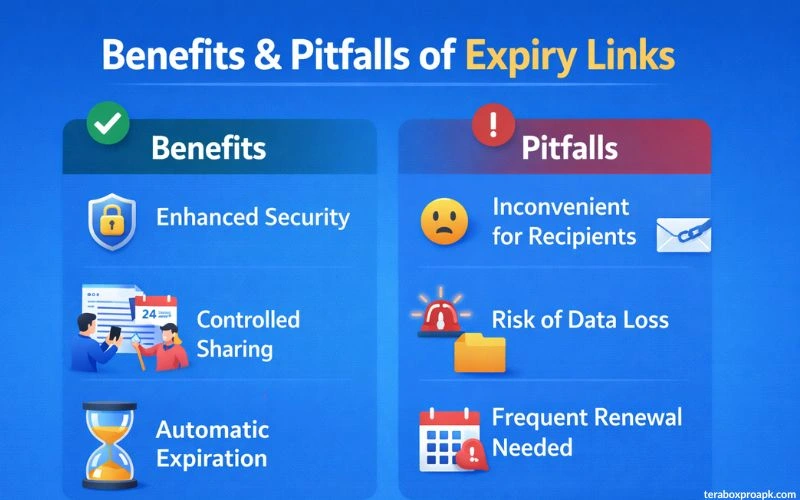
Beyond the perks, there are pitfalls to using expired TeraBox links, especially the “File not Found” error for users who need repeated access. There are certain limitations to free accounts.
Expiry links don’t work for permanent needs; instead, they are useful for sharing temporary or sensitive files, one-time event invites, or short-term previews.
Also Read: How to Earn money with TeraBox?
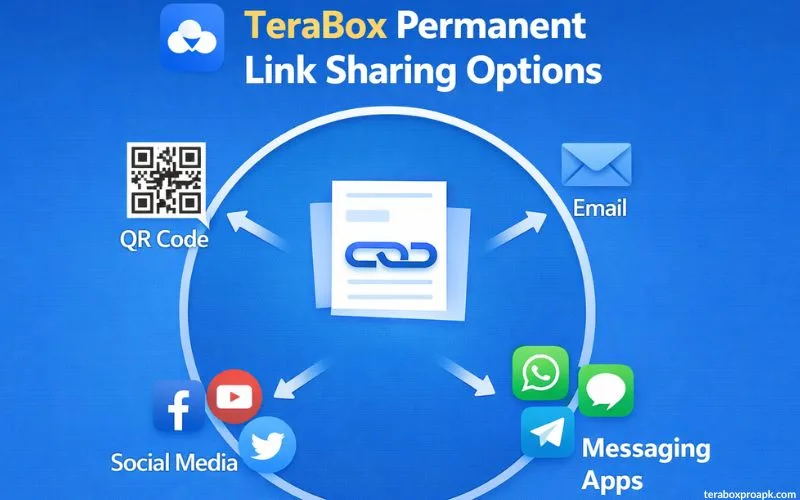
TeraBox Permanent Link Sharing Options
Before understanding the permanent link-sharing options, keep in mind that these links are only usable by premium TeraBox users. Here are the options premium users can avail themselves of when using TeraBox permanent links.
TeraBox Links Expiry and Privacy Process
For all TeraBox users, it is essential to understand that certain factors can cause TeraBox links to expire.
Link Expiration Rules for Free Users
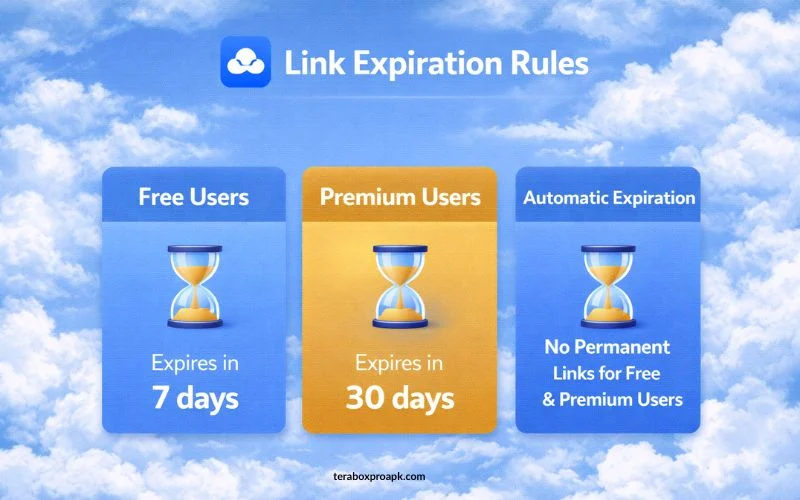
If you’re a free user, the TeraBox Link expires after 7 days. This means you’re no longer able to access the data via the link, and you’ll be notified if the link is disabled or expired.
However, this expiration doesn’t lead to mismanagement of your TeraBox account files, and you can easily manage your internal free 1TB storage.
Link Expiration Rules for Premium Users
If you’re using the premium TeraBox features, you can set an expiration time and enjoy extended sharing options. You may also choose to set no expiry date for any of the permanent links, based on your needs and requirements.
Automatic Expiration Process
There comes a time when the link expires automatically, and the user becomes worried about how it was disabled. If you have ever been through this situation, keep in mind that this happens due to security and storage management.
Plus, whether you’re a premium TeraBox user or a free user, the security reasons and automatic expiration process are the same for both. However, you can avoid such issues by frequent data access or downloads.
Also Read: Don’t miss out on the ultimate methods to remove TeraBox ads for a seamless experience.
Significant Factors that Expire a TeraBox Link
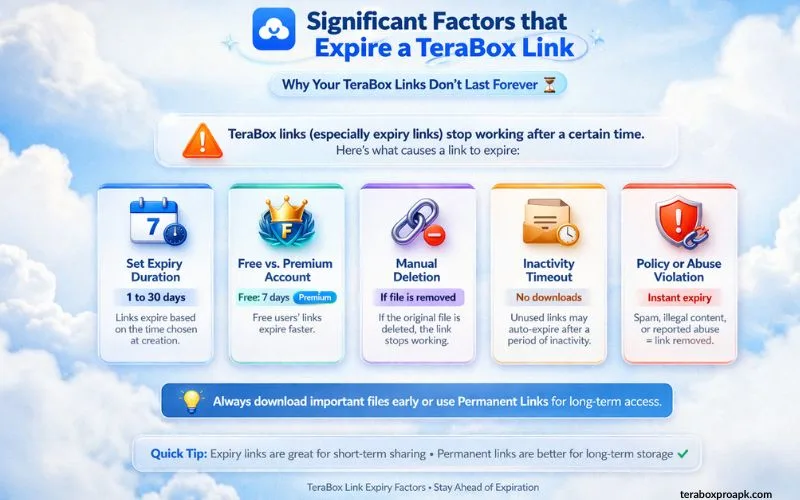
Among all the significant factors, the most effective is the user-defined limits for links (7 days or 30 days). However, there are some other factors listed below:
Preset Expiration Time
The preset expiration time is fixed, and once it expires, the link will be invalid. The link owner typically sets this time, so the link is active for a minimum of 7 days and a maximum of 30 days.
Manual Link Deletion
The file owner has the right to delete the shared link or the data at any time, and this is called manual link deletion.
Content Policy Violations
TeraBox has the right to remove links or files that violate its privacy or the content policies.
Terashare (24-hour Rule)
Terashare is a specific file-sharing feature for non-users that expires the link after 24 hours.
Account Changes
If the account settings change or file security settings are modified, the link may be turned off or its lifespan shortened significantly.
Tips & Tricks to Avoid Link Expiry
| Tips to Follow | Actions to Do |
| Premium Subscription | To manage link longevity and set customised settings, the better option is to buy a premium subscription. |
| Link Monitoring | Navigate to the TeraBox shared links and monitor all your links. Remove outdated links and reactivate any important links that expire. |
| Notifications & Updates | Always check the link status updates by turning on notifications to verify which link needs to be reactivated. |
| Expiry Info | Add a comment to each shared link for the readers that “The following link will expire in a certain days”, mentioning the number of days to keep them alerted for the expiry information. |
| File Resharing | If you’re a free user, play it safe. That means go for file resharing before the 7-day deadline arrives. You need to set the reminder to enjoy free tools as much as you need. |
Default TeraBox Links Lifespan
There is “NO” fixed default lifespan for TeraBox links; instead, users can customize the dates based on the data usage. The key options only involve the following three points:
The safe space is only available to paid plans that allow users to set permanent validity and revoke links manually at any time via the app’s share management. Have a look at the ways to download movies from TeraBox!
Final Words
In conclusion, TeraBox links offer impressive flexibility, enabling users to share permanently or temporarily based on their needs. Such seamless collaboration undoes all the cloud storage headaches for users.
People with large videos or team-juggling projects can share their files safely and efficiently using TeraBox’s advanced features.